
Alteryx Designer FUNDAMENTALS Hands-On Training

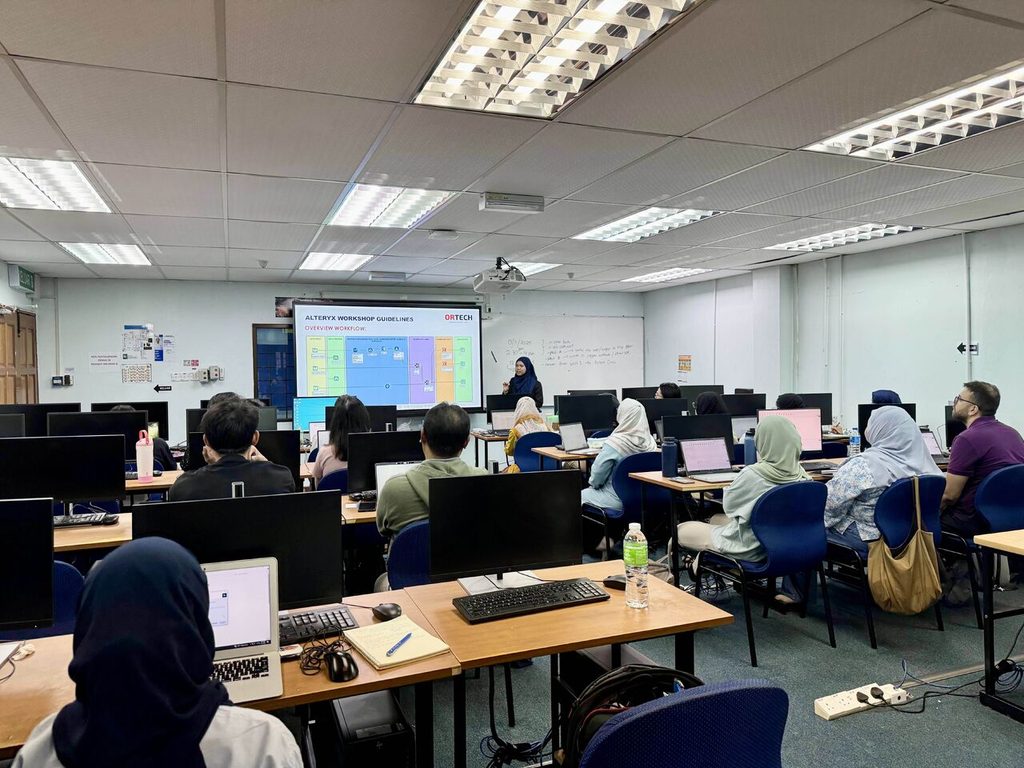
Overview
Foundational course designed for business users at any level. Learn to import, clean, and transform raw datasets using Alteryx’s intuitive tools, mastering data blending, conditional expressions, and basic calculations. Ideal for beginners, this training provides foundational skills to automate manual workflows and uncover actionable insights laying the groundwork for more advanced analytics capabilities.
Key Highlights
• Hands-on, instructor-led training
• Connect to Excel, CSV & more
• Clean, transform & blend data
• Real-world exercises
• Actual Data Session: Apply what you’ve learned using real user data
Who Should Join
New Alteryx Users, analysts, finance teams or anyone working with data
Outcome
Upon completing the Alteryx Fundamental Training, participants will gain the essential skills to effectively prepare, analyze, and transform data, enabling them to streamline data workflows and drive more efficient, data-driven decision-making within their organization.
Table of Content
1. Designer Overview
• Navigating the Interface
2. Reading Data
• Input Data tool
• Sample tool
3. Writing Data
• Output Data tool
4. Data Types
• Auto Field tool
• Select tool
• Date Time tool
5. Conditional Expressions
• Filter tool
6. Data Blending
• Union tool
• Join tool
7. Fixing Data
• Data Cleansing tool
8. Formula Basics
• Formula tool (Functions, Variables)
• Conditional Expressions
9. Introductions to Calculations
10. String Expressions
• Characters
• Words
11. Top 10 lists
• Sort and Sample tools
12. Aggerating Data Across Multiple Rows
• Summarize tool
• Transpose tool
• Cross Tab tool
13. Data Preparations
• Multi-Field Formula tool
14. Calculating with several rows
• Multi-Row Formula