
Operationalize Analytics. Automate Once. Scale Everywhere.
Schedule, govern, and deploy analytics workflows across your entire organization. Eliminate manual processes, maintain audit trails, and keep every result governed and repeatable.


Build

Publish

SCHEDULE

MONITOR
Analytics That Runs Without You
With role-based access, version control, and run-level logs, Alteryx makes workflows secure, reviewable, and repeatable whether triggered on a schedule, by an event, or by a business user on demand.

Scheduled Automation
Set workflows to run on a daily, weekly, or event-triggered basis. Eliminate repetitive manual processes results are delivered automatically to every stakeholder.
Governance & Security
Role-based access controls, version history, and run-level audit logs keep your analytics controlled and compliant at enterprise scale.
Powerful Workflow Execution, Built for the Enterprise
Schedule, trigger, and execute analytic workflows automatically, enterprise systems, business-ready reports and beyond. Less manual effort, more consistent outcomes. Built to Grow With Your Organization. Whether you’re supporting a single department or rolling out across the entire enterprise, resilient and adaptable architecture scales effortlessly to meet your operational needs wherever and whenever they arise.
The Central Hub for Every Workflow
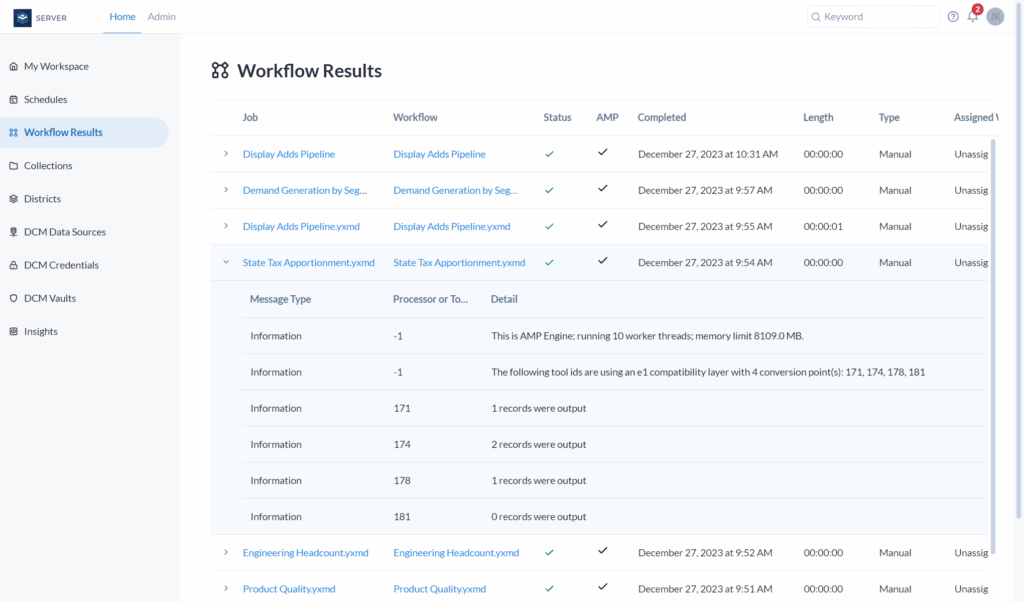
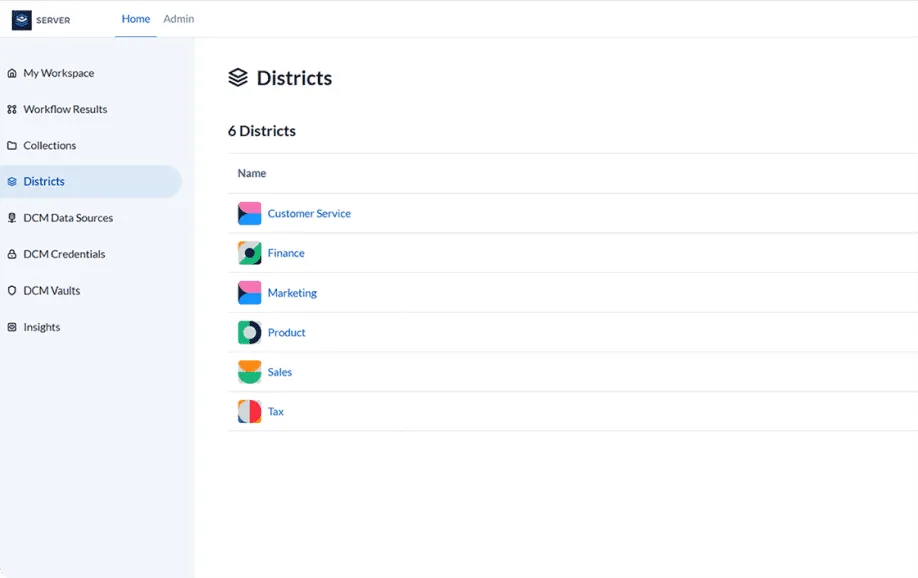
Alteryx Server’s Gallery is where built workflows live, breathe, and run on their own. Any authorised user can browse published workflows, kick off a run on demand, or check results no Designer licence needed.

Studio Collections
Organise workflows into team studios and shared collections. Control exactly who can run, schedule, or view each process.

Version Control
Every published workflow is versioned. Promote a new version to production with one click rollback instantly if needed.

Role-Based Permissions
Curators, Artisans, and Viewers each have defined access. Policies apply automatically across the whole estate.
Run Workflow Automatically
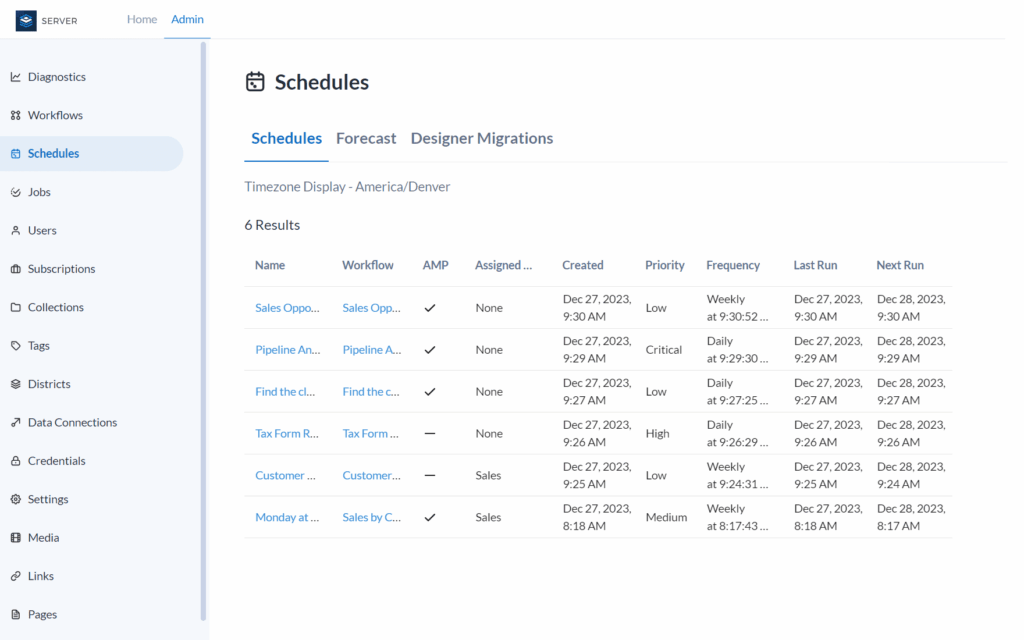
Alteryx Server supports six scheduling modes, from simple one-time runs to full Cron expressions for fiscal calendars every workflow runs in the server’s time zone, even when your machine is off.
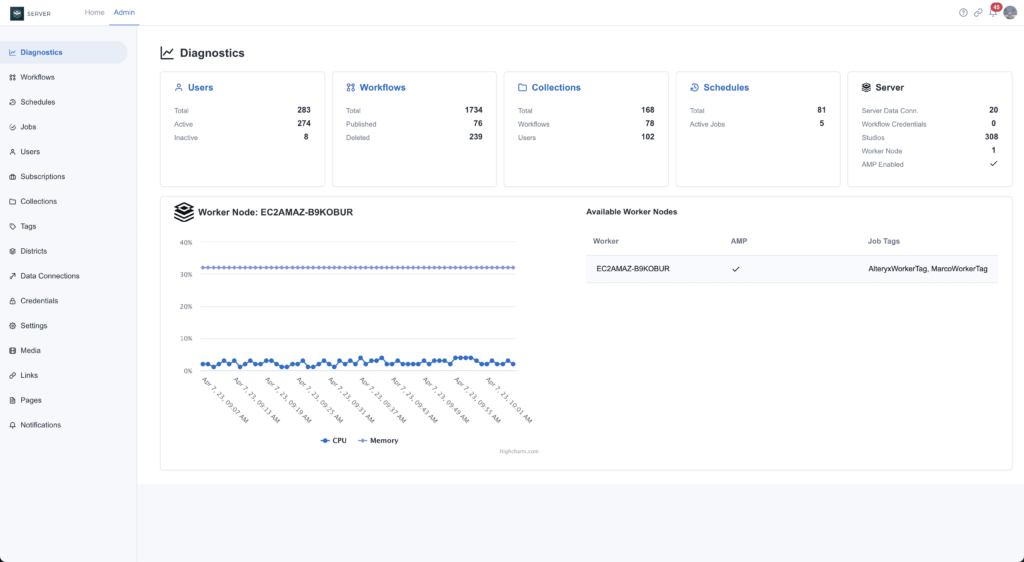
Workflow Monitoring Essentials
Ensure optimal data pipeline performance by actively monitoring end-to-end execution results and output validity. Utilize automated alerts, usage diagnostics, and detailed error tracking to rapidly resolve job failures and maintain smooth system operations.